How to Connect ChatGPT with Your Apps Using Composio for Enhanced Productivity
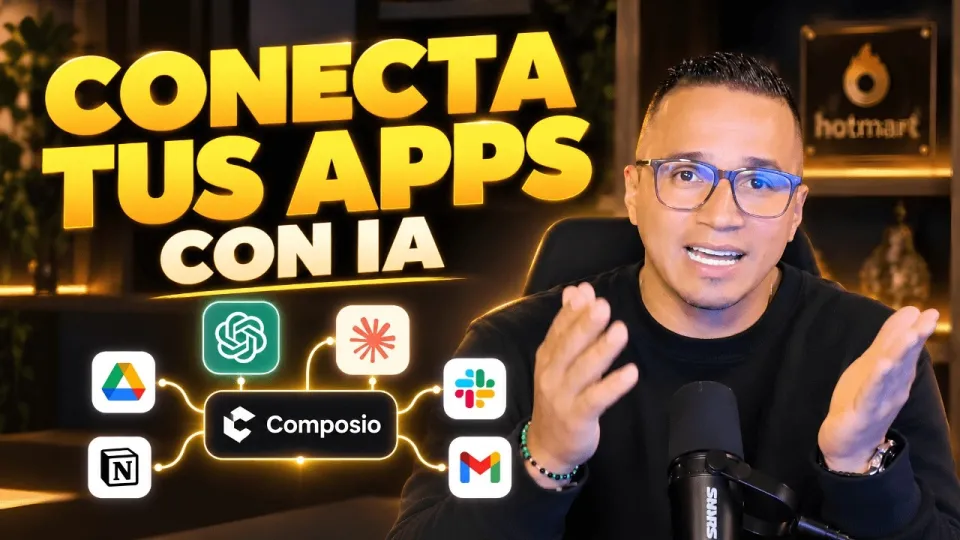
Video: Conecta ChatGPT, Claude y tus apps: así haces más con Composio
· based on the channel DataEdu
Key takeaways
- Composio enables native and external connectors for AI integration.
- Supports connecting ChatGPT, Claude, Manus IA, and more.
- Integrate AI with Google Drive and other apps securely.
- Allows authorization and permission management per service.
- Boosts productivity by automating workflows with AI assistants.
Connecting ChatGPT with your applications using Composio allows you to enhance your productivity by automating tasks and streamlining workflows. Composio works as a platform that provides native and external connectors, enabling you to link AI assistants like ChatGPT, Claude, and Manus IA with apps you already use, such as Google Drive. For a practical guide on storytelling with data dashboards, you can visit this bonus resource provided by DataEdu.
Understanding Composio Connectors
Composio offers two main types of connectors: native and external. Native connectors are built-in integrations designed to work seamlessly with popular applications, providing smooth communication between AI assistants and the apps. External connectors allow integration with less common or custom applications through APIs or other connection methods. This flexibility lets you connect AI tools like ChatGPT and Claude to a wide range of software, expanding your automation capabilities.
Connecting ChatGPT and Claude to Google Drive
One of the most practical applications of Composio is linking AI assistants to cloud storage services such as Google Drive. To set up this connection, you need to authorize your Google account within Composio. The platform will request specific permissions to access files, create new documents, or read data depending on your intended actions. Once authorized, ChatGPT or Claude can perform tasks like summarizing documents, organizing files, or generating content based on your Drive data.
Managing Permissions and Security Concerns
When connecting AI assistants to apps containing sensitive data, managing permissions carefully is crucial. Composio allows you to control what each AI assistant can access and perform. For example, you can restrict ChatGPT's access to only certain folders or file types within Google Drive. This granular permission management helps maintain data privacy and security while leveraging AI capabilities.
Expanding Integration to Other AI Tools and Apps
Besides ChatGPT and Claude, Composio supports integration with other AI tools like Manus IA, enhancing your automation ecosystem. Depending on the available connectors, you can connect these assistants with various productivity apps, CRMs, or data analysis tools. This multi-tool approach enables more complex workflows, such as extracting insights from data, automating report generation, or managing communications.
Typical Questions and Concerns About Using Composio
Users often wonder about the security of connecting AI assistants to sensitive data sources or how to authorize accounts safely. It's important to always review the permissions requested and use trusted platforms like Composio that provide transparent connection management. Also, consider the compatibility of your apps and AI tools to ensure smooth integration.
Useful Links
- Bonus resource on storytelling and dashboards
- Excel DataEdu for automating data analysis
- Advanced DAX learning resource
- Instagram DataEdu for Power BI tips
- Connect on LinkedIn
Conclusion
Connecting ChatGPT and other AI assistants with your applications via Composio opens up new possibilities for boosting productivity and automating workflows. By understanding connector types, managing permissions, and exploring integrations with tools like Google Drive and Manus IA, you can tailor AI-powered solutions to your needs. For further learning, explore the resources offered by the DataEdu channel, including their storytelling guide, to enhance your data communication skills and automation strategies.
Questions & answers
Is it safe to connect Composio to applications with sensitive data?
Yes, Composio provides detailed permission management, allowing you to restrict AI assistants’ access to specific files or folders to protect sensitive information.
What types of connectors does Composio support for AI integration?
Composio supports native connectors for popular apps and external connectors for custom or less common applications, enabling flexible AI integrations.
Can I connect AI assistants other than ChatGPT using Composio?
Yes, Composio supports integration with other AI tools like Claude and Manus IA, expanding your options for automation and productivity.
How do I authorize my Google Drive account with Composio?
You authorize your Google Drive account by granting permission through Composio’s interface, which will specify the actions and data the AI assistant can access.
Source: Conecta ChatGPT, Claude y tus apps: así haces más con Composio · Markdown version